PSD to PNG Converter Online
The fastest way to turn PSD to PNG high quality images without Photoshop. Secure, client-side conversion for designers and developers.
Drag & Drop your PSD files here
or
Converting your file(s)...
Conversion Complete!
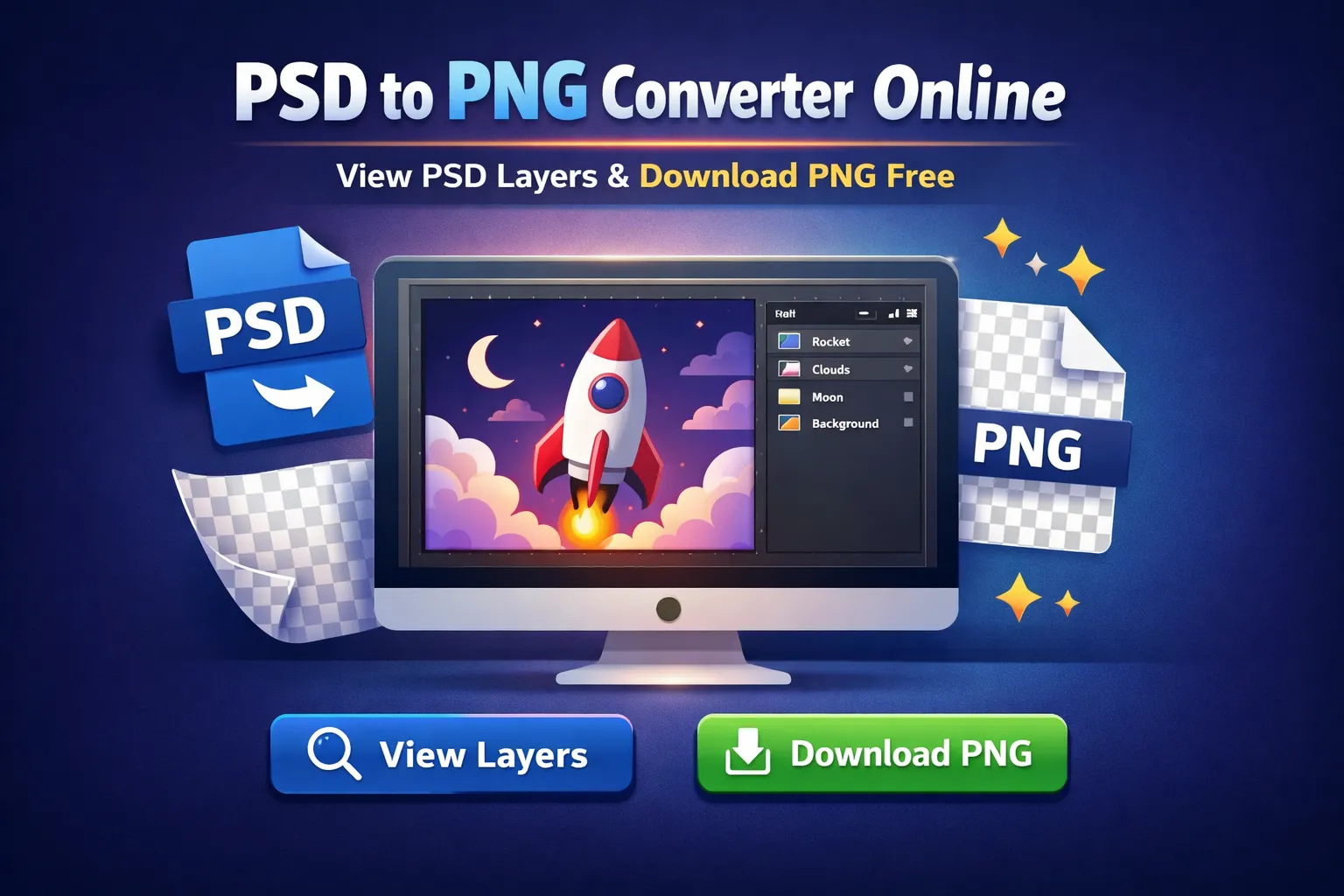
Experience a pixel-perfect workflow with our advanced client-side processing. Convert layers, preserve transparency, and export high-quality web assets instantly.
Why Use Our Tool?
Fast Conversion
Get your PNG files in seconds. No waiting in queues. Our psd to png converter is optimized for speed.
Secure & Private
Files are processed locally in your browser. No data is uploaded to any server, making it the safest online psd to png solution.
High Quality Conversion
Get pixel-perfect results every time. Our tool ensures your PSD to PNG high quality requirements are met with lossless compression.
Layer Extraction
Need specific assets? You can extract PSD layers to PNG online. Select individual layers and export PSD layers to PNG instantly. It's the easiest way to manage a PSD layer to PNG workflow.
Transparent Backgrounds
We perfectly preserve alpha channels, making it easy to convert PSD to transparent PNG for logos and web graphics.
Free Forever
No hidden fees, no subscriptions. Use our free psd to png converter as much as you want.
Batch Processing
Need to batch convert psd to png? Drag and drop multiple files to process them all at once.
Layer Export
Extract individual layers easily. Perfect for when you need to convert psd layers to png separately.
How It Works: Technical Deep Dive
Our psd to png online converter utilizes advanced browser-based technology to convert PSD files directly on your device. Unlike traditional tools that require you to upload large files to a server, our free PSD to PNG converter processes everything locally. This ensures high-quality results, faster conversion speeds, and maximum privacy for your designs.
Powered by the robust psd.js library, we can parse complex Adobe Photoshop files to access pixel data and metadata without needing a dedicated PSD to PNG Photoshop setup. Whether you need to convert PSD to PNG on Mac, Windows, or Linux, our tool works seamlessly. It's the perfect solution to change PSD to PNG quickly, supporting transparent backgrounds and even allowing you to extract PSD layers to PNG individually.
This client-side approach makes it the most secure way to convert PSD to PNG without Photoshop. No third party ever sees your files, and you can even batch convert PSD to PNG files to save time.
Understanding File Formats: PSD vs. PNG
To understand why a PSD to PNG converter is essential for designers and developers, it helps to look at the differences between these two popular image formats.
What is a PSD File?
PSD (Photoshop Document) is the native file format of Adobe Photoshop. It is a layered image file used by professionals.
- Contains editable layers & masks
- Supports non-destructive editing
- Not supported by web browsers
What is a PNG File?
PNG (Portable Network Graphics) is a raster-graphics format that supports lossless data compression.
- Lossless compression (highest quality)
- Supports transparent backgrounds
- Universal web compatibility
Why Convert PSD to PNG?
Converting PSD to PNG is the final step in the design process. Once a design is finalized, it needs to be exported for web Use.
Transparency
Unlike JPEG, PNG supports transparent backgrounds, allowing for non-rectangular graphics.
Lossless Quality
PNG retains all image detail and quality, making it perfect for sharp graphics and text.
Web Ready
Every web browser supports PNG, ensuring your designs look exactly as intended.
The Importance of Component-Based Extraction
One of the standout features of our convert PSD to PNG online tool is the ability to extract individual layers. Modern web development often requires breaking a single design composition into multiple separate assets.
Instead of manually hiding and showing layers in Photoshop to export each button, icon, or background separately, our tool parses the entire file structure. When you need to convert PSD to PNG layers, you can view a list of all elements and export multiple PSD to PNG assets simultaneously. It simplifies the hand-off process and lets you quickly export PSD file to PNG format layer by layer.
Privacy-First Conversion Technology
In an era where data privacy is paramount, our tool stands out by offering a completely offline-capable conversion process. Most online converters require you to upload your potentially sensitive design files to a remote server. This creates a risk: your intellectual property is temporarily stored on a machine you don't control.
Our solution runs entirely in your browser using Wasm (WebAssembly) and JavaScript. When you drop a file onto the conversion area, the code runs on your computer's processor, not ours. This means:
- Zero Data Leaks: Your designs never leave your machine.
- No Upload Wait Times: You don't have to wait for a 50MB PSD to upload before conversion starts.
- Unlimited File Size: Since there's no server bandwidth cost, we don't impose artificial limits on file sizes.
How to Convert PSD to PNG Online
Upload PSD
Not sure how to change PSD to PNG? Start by dropping your file into the box to let our PSD to PNG free online tool read the data.
Wait for Conversion
Watch as we seamlessly convert PSD to PNG transparent layers right in your browser, maintaining full security and privacy.
Download PNG
Finally, click download. That's how to turn PSD into PNG effortlessly using a reliable PSD to PNG converter free of charge.
Frequently Asked Questions
Is it free?
Yes, our PSD to PNG converter is 100% free. You can convert PSD to PNG free of charge without any limits on file size or quantity.
How to convert PSD to PNG without Photoshop?
You don't need expensive software. Simply drag and drop your file into our tool. We process the file in your browser, allowing you to convert PSD to PNG without Photoshop completely free.
Can I save PSD as PNG with transparent background?
Yes! Our converter preserves the alpha channel transparency. When you turn PSD to PNG using our tool, the background remains transparent automatically.
Is this a safe PSD to PNG converter online?
Absolutely. Unlike other tools that upload your files to a server, we process everything locally on your device. Your design files never leave your computer.
How to extract PSD layers to PNG?
After loading your file, click the "View Layers" button. You'll see a list of all layers in your file. Simply click the download icon next to any layer to save it as a separate PNG.
Can I convert multiple files at once?
Yes! Our tool supports batch convert PSD to PNG functionality. You can select multiple files or drag a folder to process them all simultaneously.
Does it support transparency?
Yes, we fully support transparency. Your output will be a high-quality PSD to PNG transparent background image, preserving your original design's opacity settings.
How to save PSD as PNG on Mac?
Our tool is cross-platform. It's the perfect PSD to PNG Mac solution that runs directly in Safari, Chrome, or Firefox on macOS.
Can I extract layers?
Yes, our unique feature allows you to extract PSD layers to PNG. You can view individual layers and download them separately.
Is it possible to bulk convert PSD to PNG here?
Yes, absolutely. If you want to bulk convert PSD to PNG, simply drop all your files into the upload area. Our PSD to PNG batch converter handles everything locally. You can easily convert multiple PSD to PNG files at once and even batch export PSD to PNG with a single click.
Can I do a PSD to PNG lossless conversion?
Yes. When you use our service to convert PSD to PNG online free, it performs a PSD to PNG lossless operation. This means you achieve PSD to PNG without losing quality, giving you crisp, pixel-perfect results every time you transform a PSD file to PNG.
How do alternatives like GIMP or Canva compare?
While you can use other software for a Photoshop PSD to PNG conversion, they often require heavy installations or account sign-ups. For instance, doing GIMP PSD to PNG or trying a Photopea PSD to PNG workflow works, but it's much more complex than using a dedicated PSD to PNG file converter. Even searching for PSD to PNG Canva solutions can be frustrating because of limited layer support. Our tool is streamlined specifically to transform PSD to PNG instantly.
How to save PSD to PNG in Photoshop?
If you're wondering how to save PSD to PNG in Photoshop, you typically go to File > Export > Quick Export as PNG. However, if you don't have the software installed, our file converter PSD to PNG is the perfect alternative. It shows you exactly how to export PSD to PNG without needing an expensive subscription.
Convert PSD to Other Formats
Need a different output? All conversions happen right in your browser.